Guides & How-tos
Practical guides to help you share files, collaborate with your team, build AI agent workflows, and get the most out of your agentic workspace.
All resources
Resource results
Unraid Rclone Google Drive: Cloud Sync vs AI Agent Workspaces
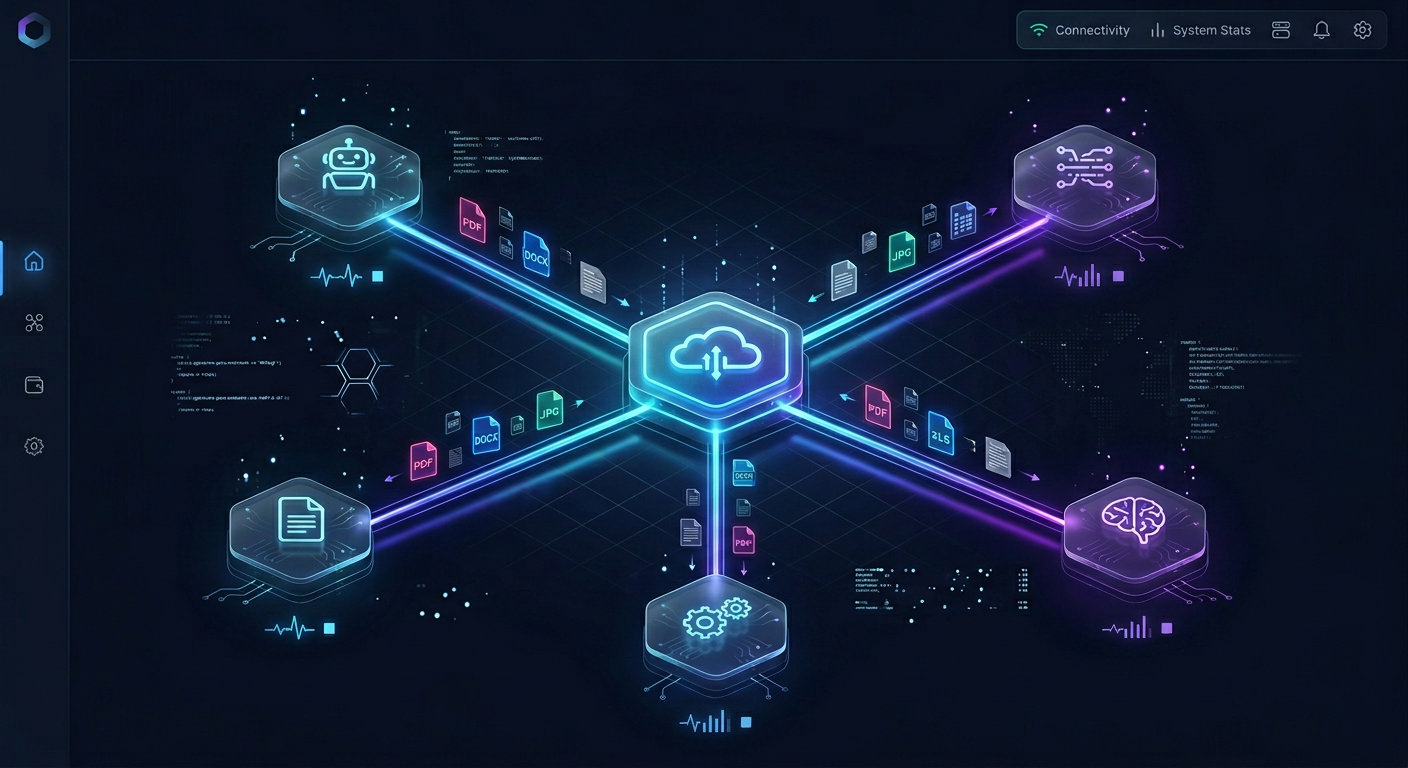
Mounting Google Drive on an Unraid server with rclone provides local file access, but AI agents scanning recursive VFS mounts trigger API rate limits and storage cache exhaustion. Pairing Google Drive with cloud synchronization into an intelligent workspace eliminates scanning bottlenecks. Agents query indexed content through remote Model Context Protocol connections without mounting drives or managing local cache pools.
OpenAI SharePoint Connector: Connecting Enterprise Documents to OpenAI Agents
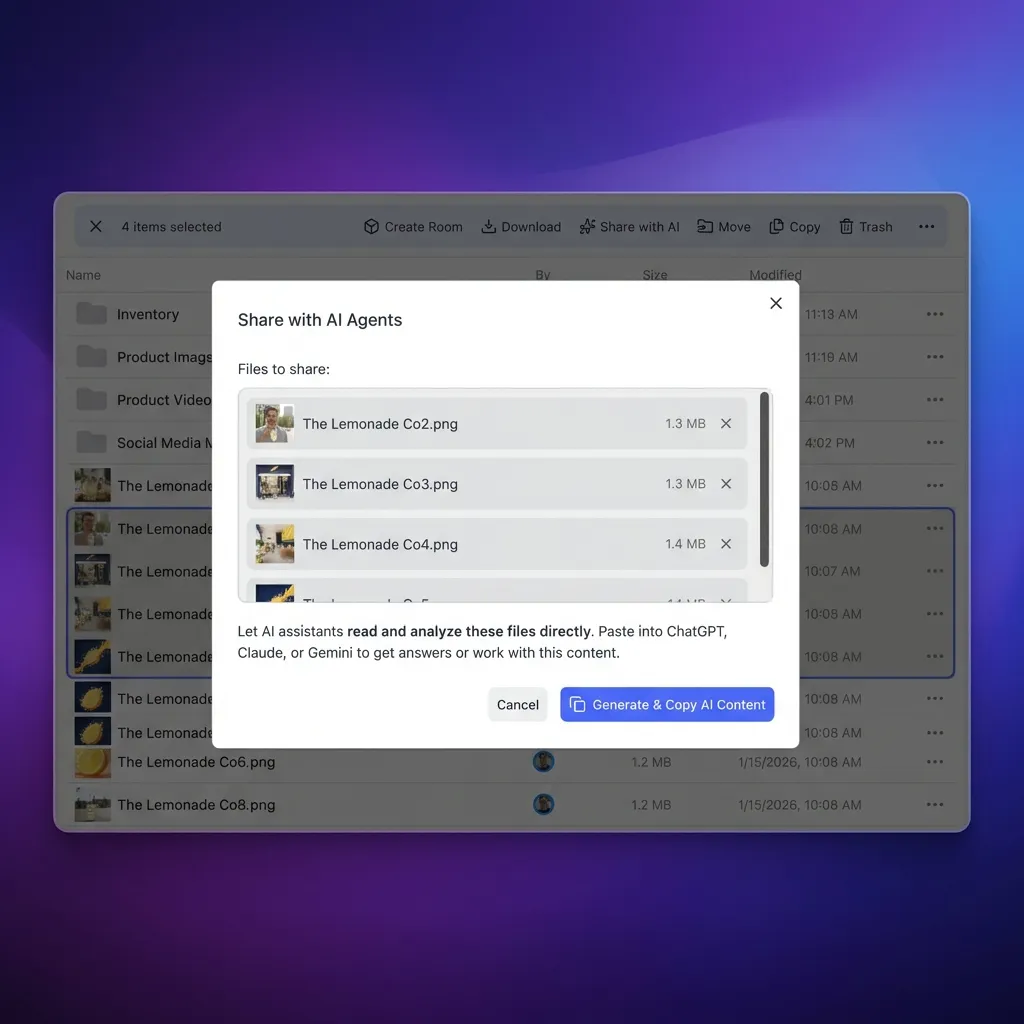
An OpenAI SharePoint connector bridges Microsoft SharePoint repositories with OpenAI models and the Assistants API, giving agents structured search over corporate files. Instead of writing custom loaders that crawl Microsoft Graph and hit rate limits, teams can synchronize SharePoint libraries to an intelligent workspace and query indexed files through MCP. This architecture provides hybrid search across enterprise documents while avoiding local vector parsing and tenant permission sprawl.

LlamaIndex OneDrive Reader: Querying Documents in RAG Pipelines
The LlamaIndex OneDrive reader extracts documents and metadata from Microsoft accounts for vector indexing, but direct Graph API synchronization introduces throttling and memory bottlenecks on large archives. In production retrieval pipelines, teams either configure custom Azure Entra ID app credentials with backoff handlers or bridge OneDrive folders into indexed remote workspaces. This guide explains how to configure OneDriveReader and implement efficient search patterns.

LlamaIndex Google Drive Connector: Cloud Sync and MCP Indexing
A LlamaIndex Google Drive connector links Google Drive storage to LlamaIndex vector indexes, enabling retrieval-augmented generation pipelines to query enterprise documents. While native GoogleDriveReader handles simple folders, large collections trigger Google Drive API rate limits and memory bottlenecks. Syncing Google Drive folders to indexed Fast.io workspaces lets LlamaIndex agents execute fast hybrid search over remote Model Context Protocol connections without downloading whole files.
Law Firm Workflow Automation: Practical Systems for Modern Legal Teams
Law firm workflow automation is the application of structured processes and standardized digital workspaces to automate repetitive administrative handoffs, document routing, and client interactions across legal matters. Instead of deploying complex legacy enterprise suites or unverified chatbots, legal teams build structured intake portals, automated metadata extraction, and defensible file closeout procedures. This guide details practical systems for automating core legal workflows.

Law Firm Server Replacement: Hardware Refresh vs. Cloud Migration
Law firm server replacement is the strategic decision to either refresh aging on-premise server hardware or decommission local servers in favor of cloud workspaces. When on-premise legal servers reach end of life, practices face mounting hardware failure risks, expensive maintenance contracts, and rigid remote access limitations. Migrating to organized cloud workspaces eliminates local maintenance while establishing matter-centric access controls, version history, and secure client delivery.

Law Firm IT Infrastructure Checklist: Hardware, Cloud, and Security
A law firm IT infrastructure checklist gives legal administrators a structured framework to evaluate workstation hardware, cloud workspace architecture, data redundancy, and perimeter defenses. Standardizing core technology systems prevents unscheduled downtime, protects confidential matter records, and simplifies client collaboration across distributed practices.
LangChain SharePoint Connector: Ingesting Enterprise Libraries via MCP
A LangChain SharePoint connector enables autonomous agents to query enterprise document libraries, but direct batch loading quickly triggers Microsoft Graph API rate limits. Instead of pulling raw files across the network, teams can synchronize SharePoint libraries to an intelligent workspace and query indexed documents through MCP. This architecture enables hybrid semantic search while avoiding local parsing overhead, tenant scope creep, and request throttling.

LangChain Google Drive Loader: Querying Drive Files Without API Bottlenecks
The LangChain Google Drive loader (GoogleDriveLoader) extracts files from Google Drive directories and converts them into Document objects for retrieval pipelines. In production environments, recursive folder traversal triggers API rate limits, file export ceilings, and memory exhaustion. Synchronizing Drive folders to an external workspace and querying indexed files via Model Context Protocol (MCP) bypasses these bottlenecks without custom batch scripts.
How to Archive Closed Matter Files: Step-by-Step SOP
Archiving closed matter files is the systematic process of auditing, indexing, and transferring completed case files into secure, read-only storage to free up active workspace capacity while maintaining audit defensibility. This standard operating procedure outlines how legal operations teams audit file inventories, establish standardized folder hierarchies, restrict workspace permissions, and maintain searchable indices for closed client matters.
How to Connect Google Drive to Dify Knowledge Bases and Cloud Workspaces
Connecting Google Drive to Dify allows AI applications and autonomous agents to search team documents as structured knowledge base datasets. Native Dify connectors rely on scheduled batch imports that can hit Google Drive API quotas and introduce re-indexing latency across shared drives. Syncing Google Drive folders into an intelligent workspace and querying them through remote Model Context Protocol tools lets agents retrieve exact citations without downloading raw files.
Client Portals for Criminal Defense: Managing Discovery and Client Access
A criminal defense client portal provides an encrypted channel for attorneys to share voluminous multimedia discovery with clients and collect evidence from families. Generic portals often fail when handling multi-gigabyte bodycam footage and forensic phone dumps. Modern matter workspaces solve this bottleneck through browser-based streaming, expiring share links, and upload portals configured for mobile devices.
ChatGPT Projects File Size Limit: Document Caps and Large-Corpus Search
The ChatGPT Projects file size limit enforces a 512MB and 2 million token cap per text document, a 50MB ceiling on spreadsheets, and a 20MB limit on images. Because project knowledge bases rely on retrieval rather than unbounded model memory, uploading massive files leads to parsing timeouts and context exhaustion. Decoupling storage into an external workspace lets ChatGPT query large document collections via MCP on demand.
ChatGPT Projects Context Window: Token Limits, Hidden Context and MCP
The ChatGPT Projects context window provides a 128,000-token working memory buffer shared across custom instructions, retrieved file snippets, and active conversation turns. Because project files do not expand native model memory, heavy file uploads trigger retrieval dilution and accelerate context truncation. Decoupling document storage into persistent workspaces connected through the Model Context Protocol keeps conversation context lean while unlocking external knowledge.
8 Best ChatGPT Detector Tools in 2026
GPTZero reported 99.5% accuracy when it re-ran a benchmark published by University of Chicago Booth researchers, while a March 2026 Kinja roundup of independent tests put its accuracy between 62% and 88%. That gap between lab benchmarks and actual writing defines AI text detection in 2026. This guide compares 8 ChatGPT detector tools by their documented features, free limits, and pricing, explains where every classifier fails, and shows how to use detection reports in an editorial workflow.
Browse by topic
Explore each topic through a short orientation, the pages worth reading first, and then everything else it covers.
- OpenClaw on Raspberry Pi
- OpenClaw Skills
- OpenClaw Tools
- OpenClaw Workflows and Integrations
- OpenClaw Setup and Guides
- Claude and Claude Code
- GitHub Copilot
- Cline
- Devin
- Manus
- Hermes Agent
- Clay and GTM Agents
- AI Coding Assistants
- MCP and Model Context Protocol
- File Sharing
- Team Collaboration
- Legal Teams
- Data Rooms and Due Diligence
- Security and Access Control
- Video and Media Production
- Creative and Marketing Teams
- Construction
- Manufacturing
- Real Estate
- Education
- Agent Memory and Storage
- Agent File and Document Workflows
- Multi-Agent Systems
- Agent Security and Governance
- Agent Infrastructure and Deployment
- Agent Observability and Evaluation
- Agent Integrations and APIs
- Agent Frameworks and Patterns
- AI Detection and Text Tools
- AI Content and Media Generation
- AI Tool Directories and Comparisons
- AI Agents: General Guides
Browse every guide
Jump straight to a topic, scan the newest additions, or open any page of the complete archive.
Latest guides
- Box AI MCP: Connecting AI Agents to Enterprise Box Storage
- 8 Best ChatGPT Detector Tools in 2026
- ChatGPT Projects Context Window: Token Limits, Hidden Context and MCP
- ChatGPT Projects File Size Limit: Document Caps and Large-Corpus Search
- Client Portals for Criminal Defense: Managing Discovery and Client Access
- How to Connect Google Drive to Dify Knowledge Bases and Cloud Workspaces
- How to Archive Closed Matter Files: Step-by-Step SOP
- LangChain Google Drive Loader: Querying Drive Files Without API Bottlenecks
- LangChain SharePoint Connector: Ingesting Enterprise Libraries via MCP
- Law Firm IT Infrastructure Checklist: Hardware, Cloud, and Security
- Law Firm Server Replacement: Hardware Refresh vs. Cloud Migration
- Law Firm Workflow Automation: Practical Systems for Modern Legal Teams
- LlamaIndex Google Drive Connector: Cloud Sync and MCP Indexing
- LlamaIndex OneDrive Reader: Querying Documents in RAG Pipelines
- OpenAI SharePoint Connector: Connecting Enterprise Documents to OpenAI Agents
- Unraid Rclone Google Drive: Cloud Sync vs AI Agent Workspaces
- Claude Code Pro Opus Limits: Quotas, Throttling & Agent Workarounds
- eDiscovery File Transfer: Secure Delivery of Load Files and Production Sets
- Gemini 2.5 Output Token Limit: Max Generation & Thinking Limits
- Managing the GitHub Copilot Chat Token Limit in Large Codebases
- GPT-4.1 Token Limit: Context Window, Output Caps, and Retrieval
- How to Send Large Legal Files: Overcoming Email Limits Securely
- In-Memory File Systems in Python: Overcoming Agent RAM Limits and Memory Ceilings
- Law Firm Document Search Software: Finding Work Product Across Case Silos
- Law Firm Paperless Transition Checklist: A Practical Implementation Guide
- Remote Deposition Exhibit Sharing: Managing and Introducing Exhibits Online
- vLLM Context Length Guide: Setting Max Model Len & Memory Budgets
- How to Set Up a Centralized Document Management System for Legal Teams
- ChatGPT File Limit: How Many Files You Can Upload and Storage Caps
- How to Integrate Claude Code with SharePoint
- Claude Microsoft 365 Connector: Setup, Architecture, Limits & Sync
- Claude Pro Claude Code Limits: 5-Hour Rolling Caps and Token Budgets
- Document Imaging Systems: Ingesting, OCR Indexing, and Managing Scanned Legal Records
- Document Process Automation: Intake, Routing, and Review in Legal Operations
- Document Review Platforms: Evaluating Modern Collaborative Tools for Legal Ops
- Electronic Record Management: Defensible Governance and Retention for Law Firms
- Enterprise Document Management Systems: Architecture and Scalability for Corporate Legal
- How to Connect Gemini CLI to Dropbox
- Google Gemini Upload Limits: File Caps, Size Ceilings & Large-Corpus Solutions
- How to Handle Google Drive Connector Rate Limits in AI Workflows
- Law Firm Document Management Software: Evaluation Framework and Buyer Guide
- Google NotebookLM File Limit: 50 Sources, Word Counts, and Large Corpus Workflows
- NotebookLM Upload Limits: Source Counts, Size Caps and Failure Fixes
- Ollama Context Length: Configuration, VRAM Limits, and Scaling
- Roo Code Max Tokens: Output Limits, Provider Settings, and Context Errors
- Best Case Management Software for Lawyers: Evaluation and Rankings
- Best Software for Law Firms: Legal Tech Buyer's Guide
- ChatGPT SharePoint Connector Limits: 100 MiB File Cap, Throttling, and Architecture
- Claude Google Drive Connector Timeout: Causes, Fixes & Indexed MCP Sync
- Best Clio Connect Alternatives for Frictionless Legal Client Portals
- CrewAI Cloud Storage Connector: Multi-Agent Workspace Integration Guide
- How to Fix CrewAI Memory Token Limits and ChromaDB Bloat
- Cursor Max Files in Context: Limits, Pruning, and Scaling Working Sets
- Gemini CLI Connect to OneDrive: CLI Workflows, Sync & Remote MCP
- GitHub Copilot Edit Context Limit: Working Set Bounds and Best Practices
- How to Increase Claude Context Window: Strategies, Limits, and MCP Workspaces
- LangGraph State Size Limit: Checkpointer Bottlenecks and State Offloading
- The Complete Law Firm File Migration Checklist for IT & Legal Ops
- How to Use NotebookLM with Google Shared Drives: Workaround & Sync Guide
- NotebookLM Token Limit: Gemini Notebook Caps, Context Windows, and Scaling