Claude Code SharePoint MCP: Connecting Terminal Agents to Enterprise Docs
Claude Code SharePoint MCP connects Anthropic's command-line agent to Microsoft SharePoint document libraries through the Model Context Protocol. While native connectors require complex Azure app registrations and pull entire files into prompt context, connecting through an intelligent Fast.io workspace indexes SharePoint records upon sync. Developers can query architecture specifications and database schemas from the terminal without context window blowups.


The Context Bottleneck: Connecting Terminal Agents to SharePoint
Fastio publishes a head to head comparison of agent file work across Fastio and the major cloud storage providers at Fast.io Benchmarks. The same agent runs the same multi-document audit against each connector over an identical corpus, scored on completion time, connector calls, tokens consumed, and cost. Fastio completed the audit fastest and at the lowest cost of the connectors tested, OneDrive among them.
Claude Code SharePoint MCP links Anthropic's terminal coding agent to Microsoft SharePoint document libraries via the Model Context Protocol, enabling CLI agents to query enterprise specs without context blowups. Modern engineering teams run their primary workflows directly in terminal shells: cloning repositories, editing code, executing test suites, managing database migrations, and dispatching deployment commands. However, the architectural specifications, API contracts, security compliance guidelines, and product requirement documents (PRDs) that dictate those code changes reside in enterprise Microsoft SharePoint document libraries.
Connecting a command-line coding agent like Claude Code to SharePoint bridges the gap between enterprise documentation and active codebases. When an engineer tasks Claude Code with refactoring an authentication service, the agent needs to verify OAuth token lifecycles against enterprise security policies stored in SharePoint. When writing database migration scripts, the agent must check column naming standards and table relationships against the data dictionary.
Yet connecting terminal agents directly to enterprise document repositories creates severe technical challenges. Traditional cloud storage connectors require terminal agents to traverse raw directory trees and download whole files over network connections. Claude Code terminal sessions fail when raw directory traversal downloads multi-megabyte enterprise documents into prompt context. Understanding how to connect Claude Code to SharePoint requires evaluating native connectors against indexed remote workspace architectures.
Related guides
- Claude Cowork SharePoint: Connecting Document Libraries via MCPConnecting Claude Cowork to SharePoint document libraries allows AI agents to query enterprise knowledge without broad...
- Connecting Cursor IDE to Enterprise SharePoint Document LibrariesA Cursor SharePoint connector links Cursor IDE to Microsoft SharePoint document libraries, enabling Cursor Composer and...
- How to Integrate Claude Code with SharePointClaude Code SharePoint integration connects Anthropic's terminal-based coding agent to Microsoft SharePoint document...
- Claude Code Google Drive MCP: Connecting Terminal Agents to DriveClaude Code Google Drive MCP connects Anthropic's command-line agent to Google Drive files through the Model Context...
- Claude SharePoint MCP: Connect Claude Desktop to SharePointClaude SharePoint MCP connects Claude Desktop to Microsoft SharePoint sites and document libraries via the Model...
- Claude SharePoint Integration: How to Connect Claude to SharePoint DocumentsA Claude SharePoint integration bridges Anthropic's Claude models with Microsoft SharePoint repositories via Model...
More on this subject: Claude and Claude Code (299 guides)
Why Native SharePoint MCP Connectors Fail in Terminal Environments
Engineering teams that attempt to link Claude Code directly to Microsoft SharePoint typically look at two native patterns: custom local Model Context Protocol servers communicating over standard input and output (stdio), and hosted tool-routing gateways like Composio. While these native connectors can reach Microsoft Graph endpoints, running them within terminal coding environments introduces operational bottlenecks.
1. Microsoft Entra ID App Registration and Headless Terminal Friction
Native SharePoint MCP connectors rely directly on Microsoft Graph API credentials. Establishing a direct connection requires configuring an Azure application registration in Microsoft Entra ID. Developers must configure client IDs, generate client secrets, assign Microsoft Graph permissions (such as Sites.Read.All and Files.Read.All), and obtain administrative tenant consent.
When developers attempt to run interactive OAuth flows from a command-line interface, authentication breaks:
- Remote SSH Sessions: Developers working on cloud development servers or remote compute nodes cannot open local browser redirect handlers like
http://localhost:3000. Without an interactive desktop browser, the OAuth handshake stalls unless complex SSH port-forwarding tunnels are set up in advance. - Containerized Dev Environments: In Docker devcontainers, port isolation blocks OAuth callback URLs unless specific network ports are forwarded to the host.
- Token Expiry and Headless Stalls: Short-lived user tokens require regular refresh cycles. If an engineer sets Claude Code on a long background refactoring task, an expired token halts agent execution silently.
2. Context Window Exhaustion from Raw File Ingestion
Microsoft SharePoint document libraries are filled with comprehensive enterprise artifacts: 80-page system architecture manuals, multi-megabyte Excel workbooks containing thousands of rows, and complex PowerPoint architectural decks.
When a native SharePoint connector reads a document, it pulls the complete file payload through Microsoft Graph and injects the raw contents into Claude Code's prompt context:
- Suppose a developer asks: "Check our SharePoint technical specs for the required timeout setting on external payment webhooks."
- A native SharePoint MCP connector searches the site, finds
Architecture_Specification_v3.docx, and downloads the complete text. That single read can inject 50,000 tokens into the prompt context. - If the specification references a secondary infrastructure guide, the agent reads a second document, adding another 35,000 tokens.
This flood of raw text causes prompt dilution. Irrelevant sections, historical revision tables, and enterprise boilerplate crowd out the local repository code that Claude Code needs to reason about. The agent slows down, token consumption spikes, and the session risks hitting context compaction limits midway through execution.
3. Missing Optical Character Recognition on Scanned Records
Corporate SharePoint libraries often preserve scanned vendor contracts, legacy architecture diagrams exported as raster images, and signed security policies. Direct Microsoft Graph API integrations return raw file streams. When a PDF contains scanned images without an embedded text layer, native connectors return empty strings or unreadable byte markers.
An agent that hits this failure mode during an automated audit does not fail loudly. It simply carries a blind spot into its answer, because the scanned record never became readable text.
4. Microsoft Graph Throttling and Nested Folder Traversal
Microsoft Graph enforces strict per-app and per-tenant rate limits. In corporate SharePoint sites with deeply nested folder hierarchies, an agent searching for a specific specification must issue sequential calls: listing root sites, finding subsites, enumerating document libraries, and inspecting folder contents. Each traversal step requires an API round trip, consuming network time and triggering HTTP 429 throttling errors that terminate the terminal run.
5. Conflating Claude Code with Claude Desktop
Online resources conflate Claude Code with Claude Desktop and fail to explain CLI-specific MCP setup or token budget optimization. Claude Desktop is a graphical chat interface where users view responses in visual windows. Claude Code is an autonomous command-line agent executing bash commands, running git operations, and writing code directly to disk. In a terminal coding session, token conservation matters because repository context, test outputs, and compiler errors must all share the model context window.
Why Claude Code SharePoint MCP Requires Pre-Indexed Workspaces
To resolve the limitations of direct point-to-point connectors, engineering organizations use a persistent workspace architecture. Teams retain Microsoft SharePoint as their enterprise system of record while synchronizing the required documentation into an intelligent Fastio workspace. Fast.io serves as an active retrieval and indexing layer between enterprise storage and terminal coding agents.
Fast.io provides Cloud Import and Cloud Sync for Google Drive, Microsoft 365 storage, Dropbox, Box, and OneDrive. Cloud Sync keeps Google Drive, OneDrive, Box, and Dropbox folders synchronized, supporting one-way or two-way sync on demand or on a recurring schedule (never real-time). Because Microsoft SharePoint document libraries operate on the same Microsoft 365 storage architecture as OneDrive, engineering documentation from SharePoint sites syncs into Fast.io workspaces without altering original files in SharePoint.
Remote Streamable HTTP Architecture
The Fast.io MCP server is remote: coding agents such as Claude Code connect to https://mcp.fast.io/mcp/code over Streamable HTTP. It is not an npm package and requires no local node daemon, no Python virtual environment, and no local credentials file.
On a headless machine, authentication uses a long-lived API key passed in a request header on the connection:
Authorization: Bearer YOUR_FASTIO_API_KEY
This remote endpoint eliminates OAuth browser redirects and port-forwarding issues. Whether Claude Code runs on a developer's local laptop, an isolated Docker container, or a headless remote server over SSH, authentication succeeds on every request.
Pre-Indexing on Arrival via Intelligence Mode
Fast.io indexes SharePoint files upon sync, allowing Claude Code to retrieve precise document chunks with a single tool call. When files sync into a Fast.io workspace, Intelligence Mode parses and indexes the documents immediately:
- Automated Text Extraction and OCR: Image-only PDFs and scanned architectural diagrams are processed with optical character recognition on arrival, making scanned corporate documents readable.
- Hybrid Search Retrieval: Fast.io constructs exact full-text keyword indexes and semantic vector embeddings across all files in the workspace.
- Passage-Level Chunk Extraction: When Claude Code queries the workspace, Fast.io returns targeted excerpts with exact file citations and page numbers rather than streaming entire documents.
Instead of consuming 50,000 tokens to inspect a comprehensive architecture manual, Claude Code receives the exact two-paragraph section detailing payment webhook timeouts. The agent preserves its prompt context for writing code, lowers execution latency, and avoids context window compaction.
Benchmark Performance Across Storage Connectors
The impact of pre-indexed retrieval versus raw file ingestion is documented in Fast.io Benchmarks, which runs the same agent on the same multi-document audit against Fastio, Dropbox, Box, Google Drive, and OneDrive over an identical corpus.
Because OneDrive and SharePoint share the Microsoft Graph API storage substrate, the OneDrive result stands in for the behavior of raw Microsoft 365 storage connectors. Fastio finished the audit fastest and at the lowest cost of the connectors tested, reaching the answer while reading fewer distinct documents.


Ground Claude Code in SharePoint Specs Without Context Limits
Index your Microsoft SharePoint libraries in an intelligent workspace. Query enterprise specifications from the terminal with single-call hybrid search. Starts with a 14-day free trial.
Step-by-Step Setup: Registering Fast.io Remote MCP in Claude Code
Connecting Claude Code to Microsoft SharePoint via Fast.io requires no local server dependencies or custom middleware. Follow this procedure to configure synchronization and register the remote MCP endpoint in your terminal.
1. Workspace Configuration and SharePoint Synchronization
Monthly plans start with a trial of up to 14 days (credit card required); annual plans have no trial. Creating an account is free; doing real work requires an organization on a paid subscription. Paid subscription tiers on Fastio pricing include Starter, Business, and Enterprise plans.
To connect your documents:
- In the Fast.io web console, create a new workspace dedicated to your project or team repository.
- Navigate to Cloud Import and select Microsoft OneDrive. SharePoint document libraries are reached through the OneDrive connector.
- Authenticate through Microsoft 365 and select the documentation folders containing your system specifications, database schemas, or API contracts.
- Choose your synchronization schedule. Fast.io syncs the files and Intelligence Mode indexes the content automatically.
2. Generate a Scoped API Key
To authenticate Claude Code without interactive browser prompts:
- In the Fast.io console, go to Settings > Devices & Agents > API Keys.
- Create a new API key scoped to the workspace containing your synchronized SharePoint files.
- Copy the generated key.
3. Register the Remote MCP Server in Claude Code CLI
The Claude Code CLI provides built-in commands to register remote MCP endpoints over HTTP transport. Run the following command in your terminal:
claude mcp add --transport http fastio https://mcp.fast.io/mcp/code --header "Authorization: Bearer YOUR_FASTIO_API_KEY"
On a workstation with a browser, you can skip the key: register the server without a header, then run /mcp inside Claude Code to sign in:
claude mcp add --transport http fastio https://mcp.fast.io/mcp/code
4. Configuration for Multi-Tool Developer Environments
Engineers frequently switch between command-line coding in Claude Code and architectural discussions in Claude Desktop. You can point both tools at the exact same remote Fast.io workspace.
To configure Claude Desktop, add Fast.io as a custom connector:
- In Claude Desktop, open Customize, then Connectors.
- Add a custom connector and paste
https://mcp.fast.io/mcp/tools. - Select Connect and sign in to Fast.io in the window that opens. On the Review Permissions screen, choose Read Only or Read & Write and which organizations and workspaces Claude can reach.
Because both clients connect to the remote Fast.io server over Streamable HTTP, search queries and document updates remain consistent across terminal runs and desktop sessions.
5. Verify Tool Registration
Confirm that Claude Code has registered the consolidated MCP toolset by running:
claude mcp list
The output confirms the fastio server is connected over HTTP transport, exposing tools for storage search, document reading, and workspace inspection.
Production Patterns: Grounding Terminal Code in SharePoint Libraries
Once registered, Claude Code can query enterprise specifications directly from your local repository terminal. Here are three practical production workflows demonstrating pre-indexed retrieval.
Pattern 1: Implementing Backend Endpoints from Enterprise PRDs
When developing a microservice route, an engineer prompts Claude Code inside the project repository:
Inspect our synchronized SharePoint specifications for payment webhook handling.
Implement the POST /webhooks/stripe endpoint in src/controllers/billing.ts,
ensuring retry logic and event validation match enterprise specifications.
Rather than downloading large Word or PDF manuals, Claude Code calls the Fastio search tool, scoped to the workspace:
{
  "tool": "search",
  "arguments": {
    "query": "stripe webhook signature verification retry schedule exponential backoff",
    "workspace_id": "YOUR_WORKSPACE_ID"
  }
}
Fast.io performs a hybrid search across the synchronized SharePoint files and returns the exact paragraphs defining retry intervals and signature header parsing. Claude Code generates the controller implementation in seconds, referencing the specific PRD section and page number.
Pattern 2: Schema Migration Verification Against Data Dictionaries
When updating database schemas, developers must ensure foreign keys, enum values, and column constraints match the central corporate data dictionary stored in SharePoint. A developer prompts:
Examine the enterprise customer data dictionary in our workspace.
Verify whether db/migrations/20260911_create_accounts.sql includes all mandatory compliance fields.
Claude Code searches the indexed data dictionary, identifies missing columns such as billing_jurisdiction and tax_residence_country, and updates the SQL migration file before pull request submission.
Pattern 3: Structured Querying via Metadata Views
For large document archives, unstructured search queries may not provide sufficient precision. Fast.io includes Metadata Views, a feature that turns documents into queryable tabular databases.
Developers define fields using natural language (for example: Service Name, API Version, Port, Protocol, Auth Method). Fast.io automatically extracts values into seven typed fields: Text, Integer, Decimal, Boolean, URL, JSON, and Date & Time.
Claude Code queries Metadata Views over MCP, filtering files by structured attributes before opening specific documents:
Query our Metadata Views for services where Auth Method is "mTLS" and Protocol is "gRPC".
Generate TypeScript connection clients in src/services/clients.ts for all matching endpoints.
Claude Code retrieves the structured results in a single call, avoiding the need to parse dozens of architecture documents individually.
Multi-Agent Coordination and Governance
In collaborative engineering environments, multiple autonomous agents and human developers operate across the same project files. Fast.io provides governance capabilities to keep work aligned:
- Per-File Version History: Every document and note maintains full version history. If an agent writes an updated specification or code summary, earlier versions can be restored at any time.
- Granular Permissions: Access can be scoped at the organization, workspace, folder, and file level. Teams can grant Claude Code read-only search permissions over sensitive SharePoint documentation while allowing write access to designated output folders.
- Collaborative Notes: Fast.io Collaborative Notes supports real-time co-editing with live multiplayer cursors for people and agents. Claude Code can write implementation summaries or test plans directly into a shared note where human engineers review the progress live.
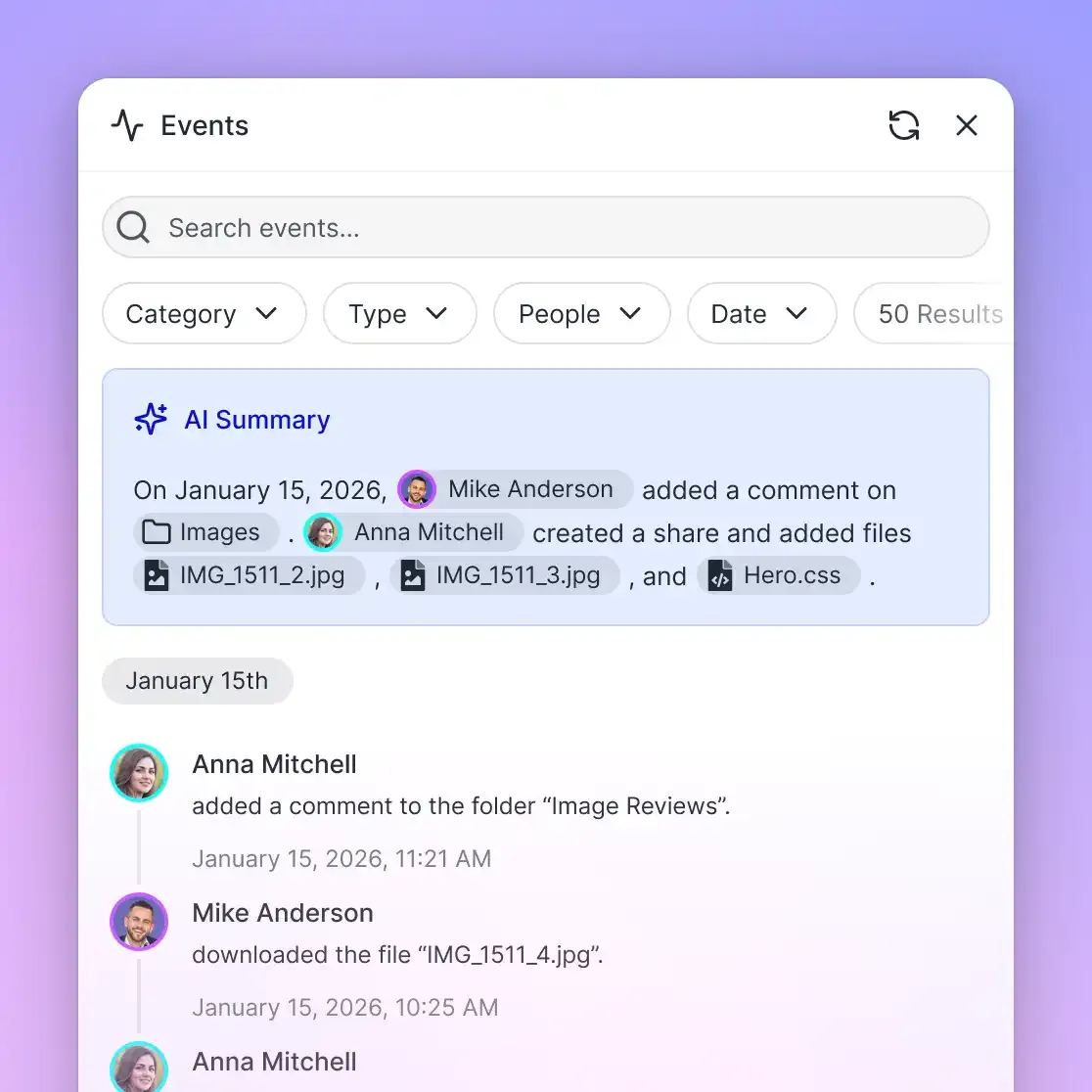
- Activity Log: Every search query, document read, and file update is recorded in a detailed activity log, providing a clear record of agent operations.
- Ownership Transfer: A developer or agent account can set up an organization, configure SharePoint synchronization, build Metadata Views, and transfer full ownership to an engineering manager via a claim link while retaining administrative access.
Sources
References used to verify factual claims in this guide.
-
Anthropic introduced the Model Context Protocol as an open standard to connect AI assistants to external data sources and development tools.
Frequently Asked Questions
How do I connect Claude Code to Microsoft SharePoint?
You connect Claude Code to SharePoint by synchronizing your SharePoint document library with a Fast.io workspace and registering the remote MCP server. In your terminal, run `claude mcp add --transport http fastio https://mcp.fast.io/mcp/code`, then run `/mcp` inside Claude Code to sign in. Claude Code can then query your SharePoint files using hybrid search directly from the command line.
Can Claude Code read documents from a company SharePoint site?
Claude Code can read company SharePoint documents when connected through Fast.io remote MCP. Fast.io indexes SharePoint documents upon synchronization, allowing Claude Code to search and retrieve targeted text excerpts, specifications, and data dictionaries without leaving the terminal.
How does remote MCP prevent token limits in Claude Code terminal runs?
Remote Fast.io MCP prevents token limits by using pre-indexed hybrid search instead of raw file downloads. Rather than dumping an entire 80-page specification into prompt context, Fast.io returns only the relevant paragraphs and citations matching the query. This keeps input token counts low and prevents context window exhaustion.
What is the difference between local SharePoint MCP servers and Fast.io remote MCP?
Local SharePoint MCP servers run local Node or Python processes that require interactive OAuth browser logins, local token files, and Azure app registrations that fail in headless SSH or Docker environments. Fast.io remote MCP runs in the cloud over Streamable HTTP and authenticates using scoped API keys, providing consistent access across local laptops, remote servers, and CI environments.
How does Claude Code authenticate with SharePoint in remote SSH terminals?
Direct SharePoint connectors require opening a local browser on `localhost:3000` to complete OAuth consent, which fails in remote SSH sessions without port tunneling. Fast.io eliminates this requirement by using an API key passed in the authorization header during MCP registration, requiring zero browser interaction on the remote machine.
Can Claude Code search across multiple SharePoint document libraries at once?
Yes. Once multiple SharePoint folders or libraries are synchronized into a Fast.io workspace, Intelligence Mode indexes all content into a unified hybrid search index. Claude Code can search across all project specifications, data dictionaries, and architectural diagrams in a single tool call.
Related Resources

Ground Claude Code in SharePoint Specs Without Context Limits
Index your Microsoft SharePoint libraries in an intelligent workspace. Query enterprise specifications from the terminal with single-call hybrid search. Starts with a 14-day free trial.