Grok Message Limit: Quotas, Caps, and Large-Corpus Workarounds
A Grok message limit is the maximum number of queries a user can submit to xAI's Grok assistant within a rolling time window based on their subscription tier. Attaching large document sets directly to chat conversations quickly exhausts these quotas by re-transmitting full payloads on every turn. By storing reference files in an intelligent Fast.io workspace and connecting via remote MCP, teams query massive corpora without burning message allowances.


What Are Grok Message Limits and Rate Quotas Across Tiers?
A Grok message limit is the maximum number of prompts or queries a user can submit to xAI's Grok assistant within a rolling time window (typically 2 hours) based on their subscription tier. When users attach dense documents, technical specifications, or codebase exports directly to a chat session, Grok re-transmits the accumulated attachment payload alongside every subsequent question. Within four or five conversational turns, the session triggers rolling rate limit throttles, not because the user asked too many distinct questions, but because repeated context payloads consumed the account's quota allocation.
Understanding Grok's usage limits requires distinguishing between consumer chat interfaces on social platforms, web portals such as grok.com, and the programmatic developer API. Consumer interfaces enforce message counters and dynamic concurrency throttles, while the developer API meters usage through strict request and token throughput budgets.
Consumer Subscription Tiers and Rolling Windows
For consumer accounts, access to Grok is partitioned across several subscription tiers, each with distinct message allowances and cooldown mechanisms:
- Basic Free Access (Web and Mobile): Standard unpaid access provides conversational interaction, typically restricted to 10 to 20 queries per 2-hour rolling window. Basic access is heavily subject to dynamic load shedding. During periods of peak platform traffic, queries may be queued or temporarily paused.
- X Premium: Subscribers on the standard X Premium tier gain access to Grok 2 and Grok 3 models. X Premium users are capped at ~20-50 messages per 2 hours on Grok 2, with limits dynamically adjusted depending on real-time server load.
- SuperGrok: Available on grok.com, SuperGrok offers extended message quotas for power users, expanding message volume allowances, accelerating image generation, and granting access to advanced reasoning modes.
- SuperGrok Heavy: Built for intensive research and analytical workloads, SuperGrok Heavy delivers the highest priority access, elevated prompt allowances, and higher concurrency limits for complex reasoning and multi-step DeepSearch queries.
A defining characteristic of consumer Grok quotas is the rolling window mechanism. Unlike platforms that reset usage counters at midnight UTC, Grok's limits operate on a continuous sliding timeline. Every prompt you submit occupies a slot within a 2-hour window. If you exhaust your allowance within thirty minutes, you do not receive a full replenishment after a fixed delay. Instead, capacity returns gradually as your earliest queries pass the 2-hour mark.
Developer API Rate Limits
For software engineers and autonomous agent builders using the xAI developer platform, quotas operate under a completely different architecture. According to official xAI rate limit documentation, xAI API rate limits scale with team tiers based on cumulative spend since January 1, 2026.
Rather than simple message counters, the API meters usage along two synchronized dimensions: Requests Per Second (RPS) and Tokens Per Minute (TPM). Your per-second request limit is derived directly from your per-minute budget (RPM divided by 60). This prevents burst traffic from overwhelming inference clusters. Exceeding xAI API rate limits per model returns a 429 Too Many Requests error.
The xAI developer API tiers scale according to cumulative account spend milestones, unlocking request allowances across each milestone tier:
Related guides
- Perplexity Message Limit: Pro Search Quotas, Daily Caps, and WorkaroundsThe Perplexity message limit restricts Pro Search queries across Free and Pro tiers, while API endpoints enforce...
- Gemini Message Limits in 2026: Quotas, Cooldowns, and WorkaroundsA Gemini message limit restricts how many prompts or API requests you can submit within a rolling window. Learn the...
- Google Gemini Token Limits: 1M Context Windows, 65K Output Caps, and API QuotasGoogle Gemini enforces an input token limit of 1,048,576 tokens and an output ceiling of 65,536 tokens on current...
- How to Handle Grok Token Limits and Process Large FilesThe Grok token limit restricts context capacity to 131,072 tokens on Grok 2, 500,000 tokens on Grok 4.5 and Grok 4.6,...
- Google Gemini Daily Limit: Free vs Advanced Quotas & API Reset TimesThe Gemini daily limit governs request velocity and compute allowances across Google consumer apps and developer APIs....
- Grok Limits: Rate Caps, File Sizes, and Context Window ConstraintsGrok limits encompass the query frequency caps, context length windows, and file attachment thresholds enforced by xAI...
More on this subject: AI Agents: General Guides (218 guides)
Why File Attachments and Repeated Context Burn Grok Quotas
Many users hit Grok message limits unexpectedly while conducting document research or coding analysis. They assume they have dozens of remaining messages, only to receive a rate limit notice after four or five interactions. This unexpected cutoff stems from how conversational assistants manage file attachments and conversation history.
The Payload Accumulation Penalty
When you attach a file to a chat session, whether a 200-page operational manual, an extensive contract, or a repository code export, the web application does not parse and discard the file. Instead, the entire content of that file becomes part of the conversation's active context.
Every time you submit a follow-up query, the interface re-packages the full conversational state:
- The system prompt and behavioral guidelines.
- The complete text of every uploaded document.
- All previous user questions and Grok's responses.
- Your latest prompt.
If your uploaded document contains thousands of tokens, your very first message transmits that entire payload. Your second message transmits that payload plus the previous question and answer. By your fifth message, a brief conversation has processed hundreds of thousands of prompt tokens.
In consumer interfaces, this massive payload burns through internal token processing budgets, prompting the system to throttle your account to preserve server capacity. On the developer API, this payload accumulation rapidly consumes your team's Tokens Per Minute allocation.
Turn 1: (Document Payload) + (User Prompt 1)                 = Initial Tokens
Turn 2: (Document Payload) + (Turn 1 History) + (Prompt 2)   = Doubled Overhead
Turn 3: (Document Payload) + (Turns 1-2) + (Prompt 3)        = Compounding Overhead
Turn 4: (Document Payload) + (Turns 1-3) + (Prompt 4)        = Quota Exhaustion
Context Window Limits Versus Quota Efficiency
The current xAI model family features expansive context windows, including 500,000 tokens on Grok 4.6 and 1,000,000 tokens on Grok 4.3. However, expansive context windows do not make repeated transmissions cost-effective or quota-friendly.
First, xAI enforces a long-context pricing threshold at 200,000 tokens on its developer API. Passing prompts that exceed 200,000 tokens doubles the per-token price for prompt input, completion output, and cached prompt tokens. Re-sending an entire documentation set on every turn subjects every follow-up question to doubled pricing.
Second, processing massive prompts introduces severe time-to-first-token latency. When Grok must run an attention pass across massive token spans before generating a single word, prefill latency can stretch to fifteen or thirty seconds per turn.
Third, attention degradation, frequently described as context rot, impairs output quality. When an LLM evaluates hundreds of pages of raw reference material simultaneously, its ability to recall specific clauses, edge cases, or numerical figures located in the middle of the document declines.
Corpus Boundaries Across the Industry
A similar pattern occurs in other agent ecosystems. In Claude Projects, project knowledge is limited by the context window, 30MB per file (see https://support.claude.com/en/articles/8241126-upload-files-to-claude), while ChatGPT Plus users encounter rolling three-hour message throttles when querying multi-megabyte uploads. In every case, treating an LLM chat window as an ad-hoc file repository wastes conversational quotas.
Advanced modes like Grok's DeepSearch and configurable reasoning consume substantial compute per interaction. When DeepSearch analyzes a query, it executes internal search rounds, cross-references sources, and generates multi-step reasoning traces. Combining DeepSearch with large attached files drains message quotas faster than standard conversational chat.
How Fast.io Intelligent Workspaces Decouple Storage from Context
The solution to Grok message limits and quota exhaustion is architectural: decouple persistent document storage from conversational prompt payloads. Rather than uploading files directly into Grok chat sessions or re-sending entire documents with every API call, teams store their reference corpora in an intelligent workspace.
Fast.io storage for agents provides shared, persistent cloud workspaces where files, folders, and shared context live independently of any single LLM session. Workspaces belong to the organization, allowing both human team members and AI assistants to interact with the same underlying data.
+-------------------------------------------------------------------------+
|                      FAST.IO INTELLIGENT WORKSPACE                      |
|                                                                         |
|   (Direct Uploads)   (Dropbox Sync)   (Box Sync)   (OneDrive Sync)     |
|                              │                                          |
|                              ▼                                          |
|              (Intelligence Mode Auto-Indexing)                          |
|              Hybrid Search: Full-Text + Semantic                        |
|              Metadata Views: Structured Extraction                      |
+-------------------------------------------------------------------------+
                               │
                               │ Streamable HTTP (Remote MCP)
                               ▼
+-------------------------------------------------------------------------+
|                           GROK ASSISTANT / AGENT                        |
|                                                                         |
|   User Query  ──►  Tool Call (Search Workspace)  ──►  Exact Snippets    |
|   Token Consumption per Turn: Compact Snippets (Quotas Preserved)       |
+-------------------------------------------------------------------------+
Ingesting Large Corpora Without Local Overhead
To populate an intelligent workspace, teams do not need complex ingestion pipelines or local file handling. Teams can add documents through direct uploads or connect their existing cloud repositories. Fast.io supports cloud synchronization for Google Drive, Dropbox, Box, and OneDrive.
Because synchronization occurs directly between cloud platforms, teams can import multi-gigabyte document libraries without downloading files to a local machine or streaming large binaries through an agent's runtime environment.
Intelligence Mode and Hybrid Search
When Intelligence Mode is enabled on a workspace, Fast.io automatically indexes incoming documents on arrival. There is no need to configure third-party vector databases, manage embedding models, or build custom chunking algorithms.
Fast.io employs hybrid search, uniting exact lexical matching with semantic vector retrieval:
- Full-Text Matching: Quickly locates exact contract numbers, policy identifiers, function signatures, or employee names.
- Semantic Retrieval: Finds relevant conceptual passages based on underlying meaning, even when the query uses different terminology than the source document.
- Search by Metadata Value: Queries specific structured attributes extracted from workspace files.
Instead of passing a 400-page technical manual to Grok, the assistant queries the workspace search tool. Fast.io scans the pre-indexed files and returns only the three or four most relevant paragraphs, complete with precise document titles and page references.
This targeted retrieval pattern replaces bulk document uploads with compact excerpts of several paragraphs per turn. Grok answers user questions accurately, cites specific source documents, and stays well within rate limit boundaries. Fast.io never modifies or claims to raise xAI's native vendor limits; instead, it eliminates the prompt bloat that exhausts those limits prematurely.
Structured Extraction with Metadata Views
When working with repetitive document collections such as vendor agreements, invoices, real estate leases, or compliance disclosures, reading unstructured text is inefficient. Fast.io provides Metadata Views to convert document libraries into live, structured databases.
Users describe the fields they need in plain English. AI analyzes sample files and designs a typed schema supporting Text, Integer, Decimal, Boolean, URL, JSON, and Date & Time fields. Fast.io then scans matching files in the workspace and populates a sortable, filterable spreadsheet grid.
Grok agents can query these Metadata Views directly over API or MCP. An agent investigating vendor renewal dates or payment terms does not need to parse fifty individual PDF files. It queries the structured view, extracts the precise rows required, and generates its analysis in seconds while consuming a fraction of its message quota.


Stop Burning Grok Message Quotas on File Attachments
Connect Grok to persistent Fast.io workspaces through remote MCP. Index large document collections for hybrid search, cut prompt overhead, and keep every file versioned. Monthly plans start with a trial of up to 14 days (credit card required); annual plans have no trial.
Connecting Grok to Fast.io Workspaces via Remote Model Context Protocol
Connecting Grok to persistent Fast.io workspaces relies on the Model Context Protocol (MCP), an open standard that allows language models to interact with external tools and data stores. The xAI ecosystem supports MCP connections, enabling Grok to search workspace documents, inspect file structures, and retrieve targeted excerpts autonomously.
Fast.io hosts a remote MCP server accessible over Streamable HTTP at https://mcp.fast.io/mcp/tools, which also accepts an API bearer token in request headers. Coding agents such as the Grok CLI connect at https://mcp.fast.io/mcp/code.
Because Fast.io's MCP server is hosted remotely in the cloud, agents do not need local daemon processes, background sync daemons, or local file system mounts.
Configuring Fast.io MCP in Grok Environments
To register the remote Fast.io server, developers use standard Grok configuration tooling. In environments supporting the Grok CLI, register the remote HTTP endpoint with a single command:
grok mcp add --transport http fastio https://mcp.fast.io/mcp/code
Then sign in to Fast.io when prompted.
For automated agents, multi-agent frameworks, or developer configurations, define the server connection inside your client's MCP configuration file:
{
  "mcpServers": {
    "fastio": {
      "url": "https://mcp.fast.io/mcp/tools",
      "headers": {
        "Authorization": "Bearer YOUR_FASTIO_API_KEY"
      }
    }
  }
}
For enterprise organizations using managed team environments, administrators can provision Fast.io as a custom MCP connector across their entire organization through the xAI cloud console.
The Targeted Retrieval Loop
After connecting, Grok gains access to Fast.io's consolidated MCP toolset. The assistant can list workspaces, search indexed document contents, examine folder hierarchies, and read specific text excerpts on demand.
Consider a typical workflow where a user asks Grok to evaluate intellectual property warranties across multiple client agreements:
- User Prompt: "Do our standard 2026 client agreements include uncapped liability for intellectual property indemnification?"
- Autonomous Tool Call: Grok inspects the query and recognizes that it requires external workspace data. It issues an MCP tool call to search the active Fast.io workspace using the semantic query
intellectual property indemnification liability cap. - Workspace Retrieval: Fast.io's hybrid search engine executes semantic and keyword retrieval across the pre-indexed contract library. It identifies the four relevant contract sections and returns them to Grok with document names, page numbers, and exact text passages.
- Synthesized Response: Grok reviews the concise excerpts, verifies the liability caps, and generates a detailed, citation-backed answer.
Throughout this exchange, Grok prompt context remained compact, consuming only a few paragraphs of focused evidence. The user can continue asking follow-up questions for an hour without approaching rolling message caps or incurring long-context pricing penalties.
Managing Rate Limits and Designing Resilient Grok Workflows
Operating Grok in production environments requires defensive engineering practices to handle network fluctuations, traffic spikes, and quota boundaries gracefully. By combining smart client-side retry logic with persistent workspace architecture, teams build resilient systems that avoid downtime.
Handling 429 Errors with Exponential Backoff
When an application exceeds an API rate limit, xAI returns an HTTP 429 Too Many Requests status code. Resilient agent pipelines must catch this response and back off rather than immediately retrying, which only compounds rate limiting penalties.
Implement an exponential backoff strategy with jitter:
import time
import random

def execute_grok_query_with_retry(query_fn, max_retries=5, base_delay=2.0):
    for attempt in range(max_retries):
        try:
            return query_fn()
        except Exception as error:
            if "429" in str(error) and attempt < max_retries - 1:
                sleep_time = (base_delay * (2 ** attempt)) + random.uniform(0.1, 1.0)
                time.sleep(sleep_time)
                continue
            raise error
On developer API endpoints, inspect the response headers returned by xAI. The API provides rate limit headers that indicate your remaining request count and the exact duration until your quota resets. Monitoring these values allows agents to throttle their request dispatch rate dynamically before an error occurs.
Offloading High-Volume Tasks to the Batch API
For non-interactive, asynchronous operations, such as summarizing thousands of archived documents or running overnight code audits, avoid real-time chat completions. The xAI Batch API allows developers to submit batches of requests that process asynchronously over a 24-hour window.
Batch API requests do not draw against your real-time Requests Per Second or Tokens Per Minute allocations. Batch processing also provides significant cost discounts compared to synchronous endpoints.
Workspace Governance and Version History
When deploying autonomous agents that write summaries, extract structured data, or refactor files, data governance is essential. Fast.io workspaces include per-file version history on every write. When a Grok agent saves an updated document or refactors code, previous iterations remain preserved and fully restorable.
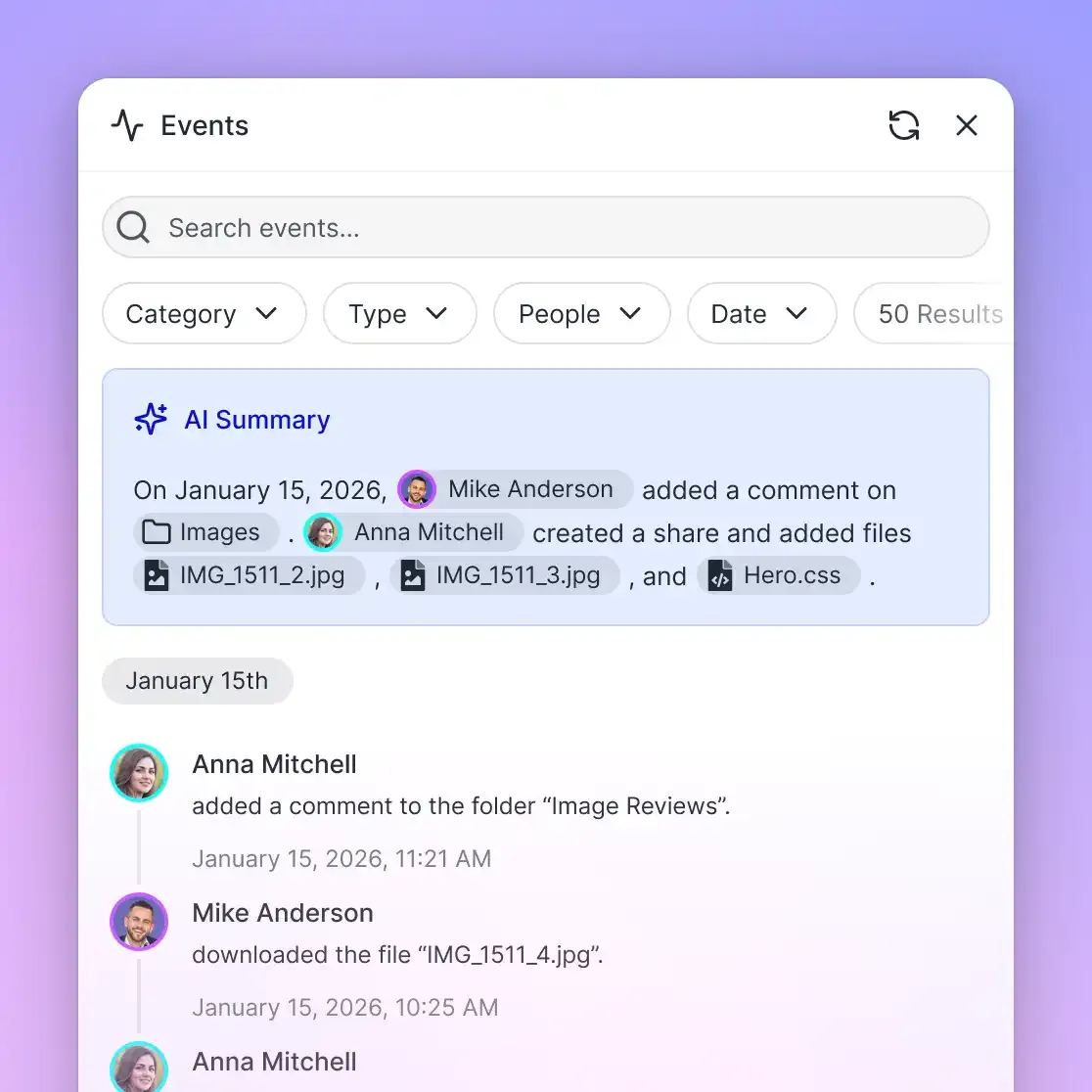
Workspace actions are recorded in a detailed activity log. Every document search, file access, metadata query, and export is timestamped and attributed to the specific user or agent identity. If an agent queries sensitive files during an automated audit, security leads have a record of every interaction.
Collaborative Notes and Ownership Transfer
For high-stakes AI outputs, human oversight is critical. Fast.io features Collaborative Notes, enabling real-time co-editing between human team members and AI agents. A Grok agent can generate a briefing or draft an analysis directly inside a Collaborative Note, after which human editors make live adjustments alongside the agent.
For consultants, agencies, and technical contractors building autonomous Grok workflows for clients, Fast.io provides ownership transfer. An agent or contractor can sign up, create the organization and workspaces, ingest reference corpora, and hand over primary ownership to the client while preserving necessary administrative permissions.
Monthly plans start with a trial of up to 14 days (credit card required); annual plans have no trial. Teams can review Fast.io pricing plans to evaluate workspace capacities across Starter, Business, and Enterprise tiers.
Sources
References used to verify factual claims in this guide.
-
xAI API rate limits scale with team tiers based on cumulative spend since January 1, 2026. Exceeding xAI API rate limits per model returns a 429 Too Many Requests error.
Frequently Asked Questions
What is the Grok message limit per hour?
Grok does not enforce a strict one-hour clock; instead, it meters usage on a rolling 2-hour window. On X Premium, users typically receive between 20 and 50 messages per 2 hours on Grok 2, which equates to roughly 10 to 25 messages per hour during balanced usage. Basic free access provides lower allocations of 10 to 20 messages per 2-hour window, while SuperGrok tiers provide substantially expanded allowances.
How often does the Grok rate limit reset?
Grok rate limits reset on a continuous rolling window rather than a fixed daily reset like midnight UTC. In a rolling 2-hour window, each query you submit becomes available again exactly two hours after it was sent. If you exhaust your message quota at 2:00 PM, capacity begins replenishing gradually at 4:00 PM as individual queries age out of the active evaluation period.
How can I feed large documents to Grok without hitting limits?
Rather than attaching large files directly to Grok chat sessions, store your document collection in an intelligent Fast.io workspace. Fast.io automatically indexes files for hybrid full-text and semantic search. Grok connects to the workspace via remote MCP at `https://mcp.fast.io/mcp/tools`, querying only the specific relevant paragraphs needed for each prompt and keeping token usage well below rate limit thresholds.
What is the Grok 2 message limit on X Premium?
X Premium users typically receive approximately 20 to 50 queries every two hours for Grok 2. However, xAI dynamically adjusts these caps during peak traffic hours to maintain system responsiveness. Users requiring consistently higher limits can upgrade to SuperGrok plans on grok.com or switch to the xAI developer API.
What is the difference between Grok RPS and TPM limits on the API?
On the xAI developer API, rate limits are divided into Requests Per Second (RPS) and Tokens Per Minute (TPM). RPS governs how many distinct HTTP requests your application can issue per second to prevent sudden server bursts. TPM governs total token throughput across prompt inputs and completion outputs within a 60-second window. Both limits scale automatically across account spend tiers.
Can Fast.io increase Grok's native message limits?
No. Fast.io does not modify or raise xAI's native vendor quotas or rate limits. Instead, Fast.io acts as an external intelligent storage layer that retrieves only the exact excerpts Grok needs to answer a prompt. By replacing full document uploads with compact search snippets, Fast.io prevents prompts from exhausting Grok's native message and token quotas.
Related Resources

Stop Burning Grok Message Quotas on File Attachments
Connect Grok to persistent Fast.io workspaces through remote MCP. Index large document collections for hybrid search, cut prompt overhead, and keep every file versioned. Monthly plans start with a trial of up to 14 days (credit card required); annual plans have no trial.