How to Implement Fast.io Webhooks with Node.js Express
Implementing Fast.io webhooks with Node.js Express lets you receive real-time notifications for file uploads, deletions, member changes, and AI processing in workspaces. Skip polling APIs. Instead, handle HTTP POST payloads with full event details and HMAC signature verification. This complete guide covers prerequisites, Express server setup, signature validation, event handling, local testing with ngrok, and production tips for reliable webhook integration.
What Are Fast.io Webhooks?
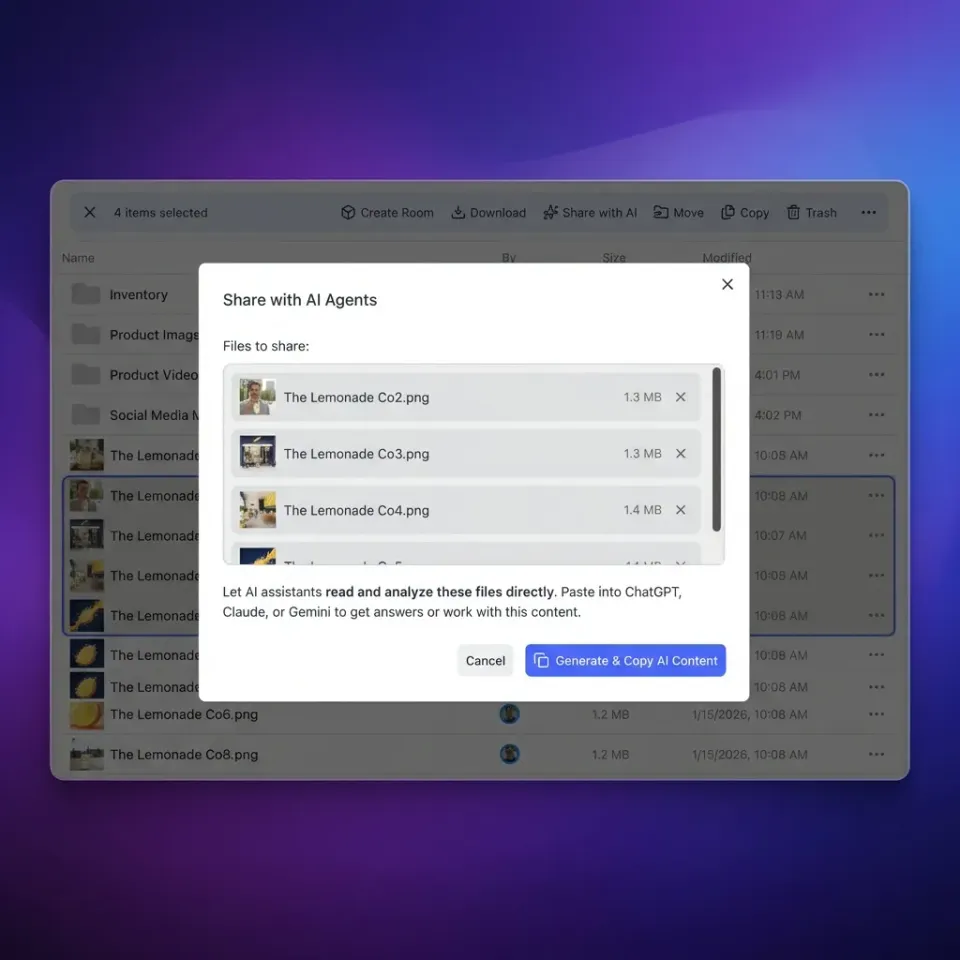
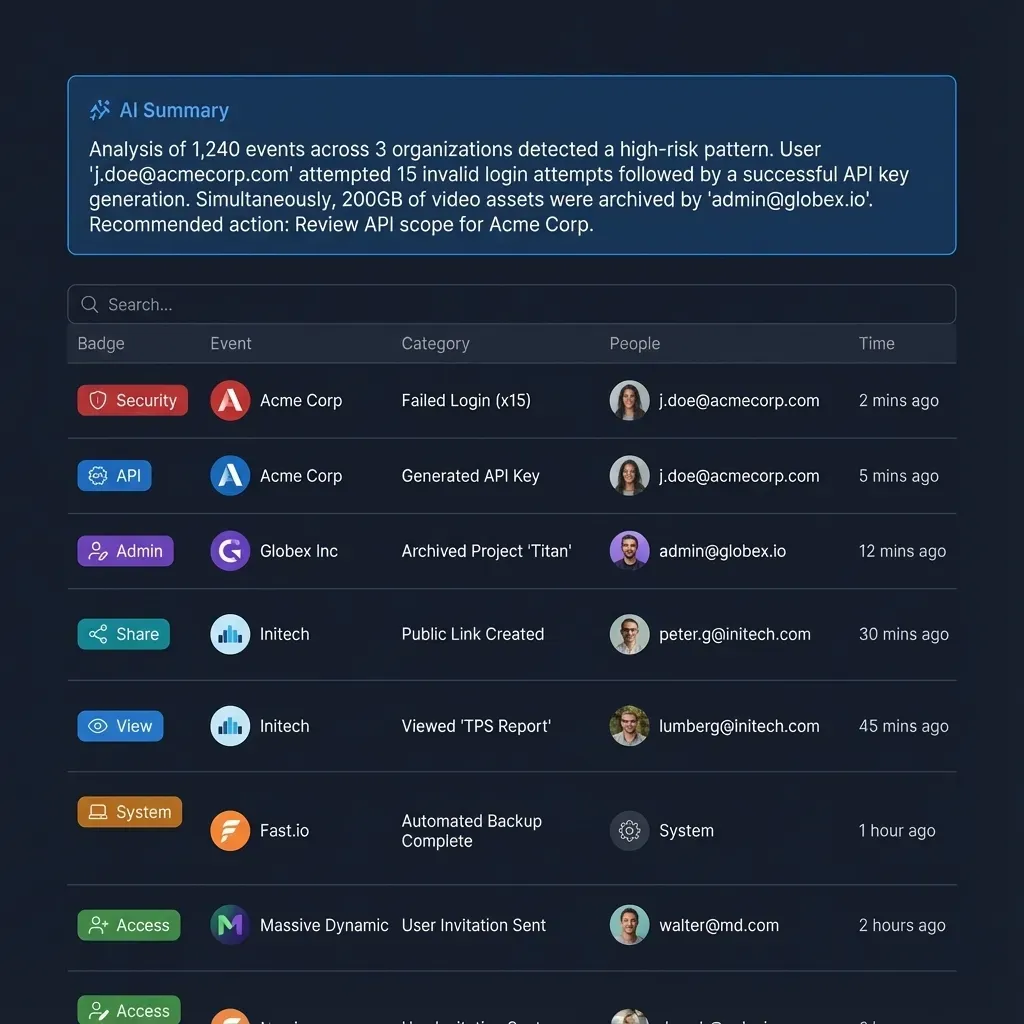
Fast.io webhooks send HTTP POST requests to your endpoint when events happen in workspaces or shares. Events include file uploads, deletions, member changes, and AI processing.
Each payload includes an event object with details like event_id, event name (e.g., workspace_storage_file_added), created timestamp, and context such as workspace_id or object_id.
Standard headers include X-Fastio-Signature for HMAC verification using your secret. This confirms the payloads are from Fast.io.
Webhooks go well with polling and WebSockets. Use them for apps that need fast responses, like triggering builds on file uploads or sending alerts on access.
Webhooks complement polling by pushing immediate updates, minimizing latency and reducing API usage. In Express apps, integrate them with middleware for auth, logging, and database persistence of events.
Refer to Fast.io docs for all event types and events API for payload schemas. Common use cases include CI/CD triggers, Slack notifications, and database syncs on file changes.
What to check before scaling Implementing Fast.io webhooks with Node.js Express
To implement Fast.io webhooks with Node.js Express, prepare these prerequisites: Fast.io Account:
- Sign up for a free Fast.io account.
- Create a workspace.
- Generate your webhook signing secret from the dashboard (format: whsec_...).
Development Environment:
- Node.
- Install ngrok globally:
npm i -g ngrokfor local URL tunneling. Ngrok creates secure tunnels to your localhost, essential for receiving webhooks from Fast.io during development without deploying to production.
Project Initialization:
mkdir fastio-webhooks-express
cd fastio-webhooks-express
npm init -y
npm install express@latest body-parser crypto dotenv
npm install --save-dev nodemon These packages provide everything needed: Express for the server, body-parser for raw payloads, crypto for secure verification, dotenv for secrets, and nodemon for hot reloading during development. ``` Create `.env.local`: ```
FASTIO_WEBHOOK_SECRET=whsec_your_actual_secret_here
PORT=3000
``` [^1]: Express 5.x requires Node.com/en/starter/installing.html).


Give Your AI Agents Persistent Storage
Get real-time file events in your Node.js Express apps. Free agent plan with workspaces, shares, and full webhook support. No credit card required. Built for implementing fast webhooks with node express workflows.
Implementing Fast.io webhooks with Node.js Express
Build a secure Express webhook handler step-by-step. Create index.js: ```javascript
const express = require('express');
const bodyParser = require('body-parser');
const crypto = require('crypto');
require('dotenv').config; const app = express;
const port = process.env.PORT || 3000;
const webhookSecret = process.env.FASTIO_WEBHOOK_SECRET; // Middleware for raw body (needed for signature)
app.use(bodyParser.raw({ type: 'application/json', limit: '10mb'
})); app.use((req, res, next) => { if (req.body && req.body.length) { req.rawBody = req.body; } next;
}); // Signature verification
app.post('/webhook', (req, res) => { const signature = req.get('X-Fastio-Signature'); if (!signature) { return res.status(401).send('No signature'); } const hmac = crypto.createHmac('sha256', webhookSecret); hmac.update(req.rawBody); const expected = 'sha256=' + hmac.digest('base64'); if (!crypto.timingSafeEqual( Buffer.from(signature), Buffer.from(expected) )) { return res.status(401).send('Invalid signature'); } // Parse and handle event let event; try { event = JSON.parse(req.rawBody.toString); } catch (e) { return res.status(400).send('Invalid JSON'); } console.log(Event received: ${event.event} on ${event.object_id || 'N/A'}); // Route by event type switch (event.event) { case 'workspace_storage_file_added': console.log('File uploaded:', event.context.file_name); // e.g., queue processing job, notify via Slack break; case 'workspace_storage_file_deleted': console.log('File deleted'); // Cleanup cache break; case 'workspace_member_added': console.log('New member joined'); break; default: console.log('Unhandled event:', event.event); } // ACK immediately res.status(200).send('OK');
}); app.listen(port, => { console.log(Server listening on port ${port}); console.log(Webhook endpoint: http://localhost:${port}/webhook);
});
This code establishes a secure, production-ready webhook endpoint that verifies signatures and routes events appropriately.

**Key Implementation Notes:** - **Raw Body Parsing:** Express JSON parser interferes with signature calc. Use raw parser first.
- **HMAC Verification:** Use `crypto.timingSafeEqual` to avoid timing attacks.
- **Event Handling:** Match on `event` field; extend switch for more types.
- **Rate Limiting:** Add `express-rate-limit` for prod.

**Local Testing:**
1. Run `ngrok http 3000`.
2. Copy ngrok URL + `/webhook`.
3. Paste into Fast.io webhook config.
4. Trigger event (upload file).
5. Check console logs.

**Production Deployment:**
- Deploy to Vercel, Railway, or Render (free tiers available).
- Use HTTPS endpoint.
- Monitor with logging (Winston/Pino).
- Retry logic on Fast.io side handles transients. This setup provides a production-ready webhook handler grounded in Fast.io event payloads.
Frequently Asked Questions
How do I verify Fast.io webhook signatures?
Compute HMAC-SHA256 of the **raw** request body using your webhook secret from the dashboard. Compare the hexdigest prefixed with "sha256=" to the "X-Fastio-Signature" header using Node's `crypto.timingSafeEqual()` to prevent timing attacks. The code example above shows the full middleware. Always parse raw body before JSON middleware.
What Fast.io events trigger webhooks?
Key events include: - `workspace_storage_file_added` / `workspace_storage_file_deleted` for file changes - `workspace_member_added` / `workspace_member_removed` - Share access and AI processing completion Full list and schemas: [Fast.io Events API](https://api.fast.io/current/llms/events/).
How to test webhooks locally in development?
1. 2. Run `ngrok http 3000` to get a public HTTPS URL. 3. Add `https://[ngrok-id].ngrok-free.app/webhook` to Fast.io dashboard webhooks. 4. Perform actions like file upload. Check server console for events. 5. Free ngrok works; upgrade for static domains in prod.
What should my webhook endpoint return?
Fast.io retries non-2xx responses with exponential backoff. Minimal body: `{"received": true}`. No heavy computation in the handler. Queue jobs.
Related Resources

Give Your AI Agents Persistent Storage
Get real-time file events in your Node.js Express apps. Free agent plan with workspaces, shares, and full webhook support. No credit card required. Built for implementing fast webhooks with node express workflows.