Content workflows
without the extra tool.
Tasks, approvals, todos, and worklogs built directly into your workspace. No switching between your files and a separate project management app.
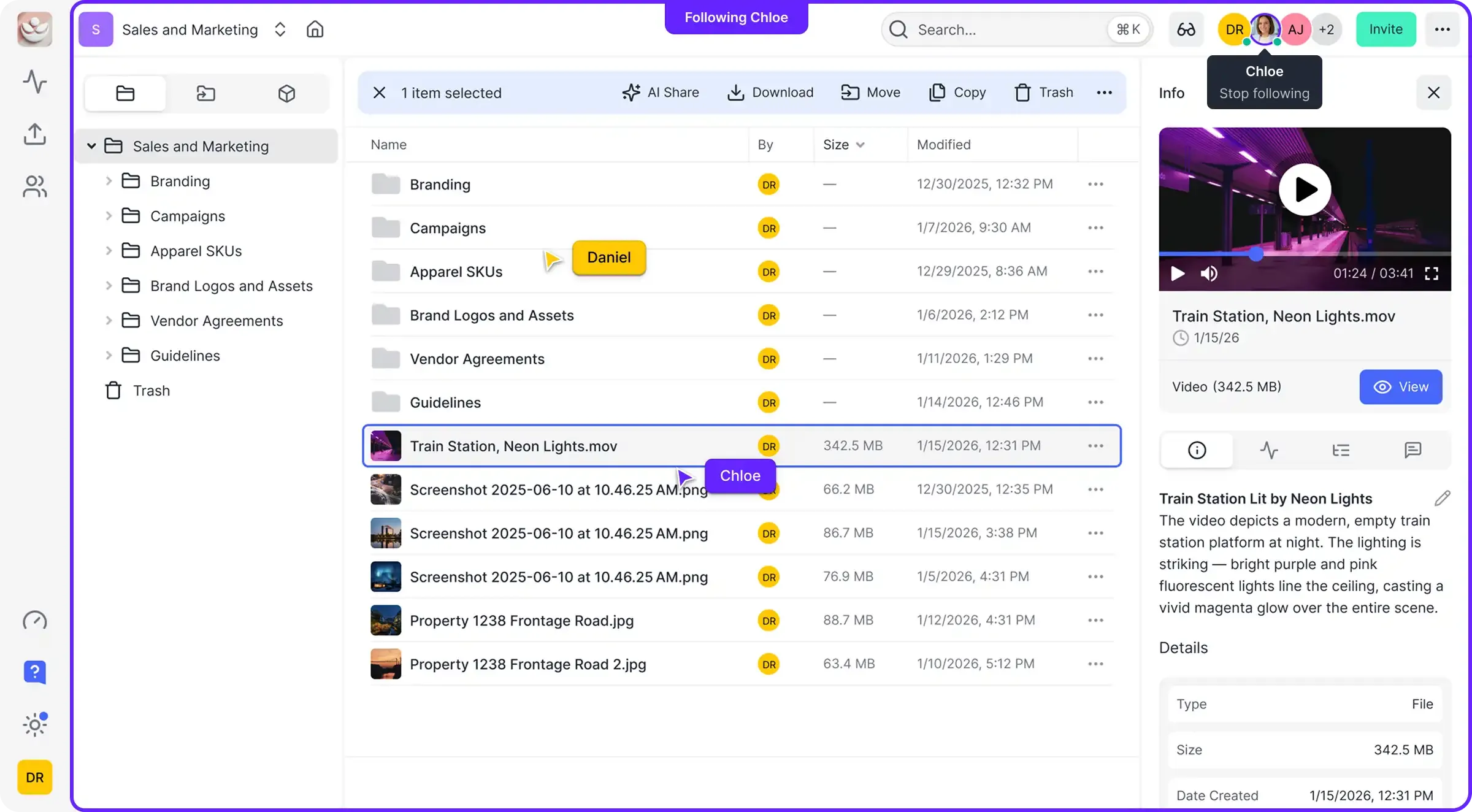
Files and Workflows. Together.
Most teams use one tool for storage and another for project management. Fast.io puts tasks, approvals, and activity logs right next to your files. Enable workflow tools on any workspace with a single toggle.
Everything You Need to Ship Content
No plugins. No integrations. No separate subscriptions. Workflow tools are included in every workspace.
Tasks
Assign work, set priorities, and track progress. Tasks live alongside the files they reference, not in a separate app.
Approvals
Route content through sign-off workflows before publishing or sharing. Request approval from specific team members and track every decision.
Todos
Lightweight checklists for quick action items. Attach todos to any workspace for team-wide visibility and assign individual items.
Worklogs
Append-only activity logs that capture what happened and why. The permanent record of every human and agent action in your workspace.
Agent Automation
AI agents create tasks, log activity, and request approvals via MCP or API. They work autonomously and hand off to humans when needed.
One-Toggle Enable
Enable all workflow tools on any workspace with a single toggle. No setup, no configuration, no separate subscription.
AI Agents That
Manage Workflows.
Connect AI agents via MCP or the REST API. Agents create tasks, log activity, request approvals, and hand off to humans when decisions need sign-off. Every action is recorded in the worklog.
# Enable workflows on a workspace
workspace = client.workspace.enable_workflow(ws_id)

# Create a review task
task = client.task.create(
    workspace_id=ws_id,
    title="Review Q4 report",
    assignee="sarah@team.com",
    priority="high"
)

# Log what the agent did
client.worklog.append(
    workspace_id=ws_id,
    entry="Uploaded Q4 data, created review task"
)

# Request human approval
approval = client.approval.request(
    workspace_id=ws_id,
    title="Publish Q4 report?",
    approvers=["cfo@team.com"]
)
Why Teams Stop Juggling Tools

Your files and workflows. One place.
Stop juggling between storage and project management. Fast.io brings them together.